GrizzlyMail

A desktop email app with an encrypted local store, Outlook support, and macOS and Windows downloads. Optional AI features send selected content to the configured provider; Gmail access currently requires a testing invitation.

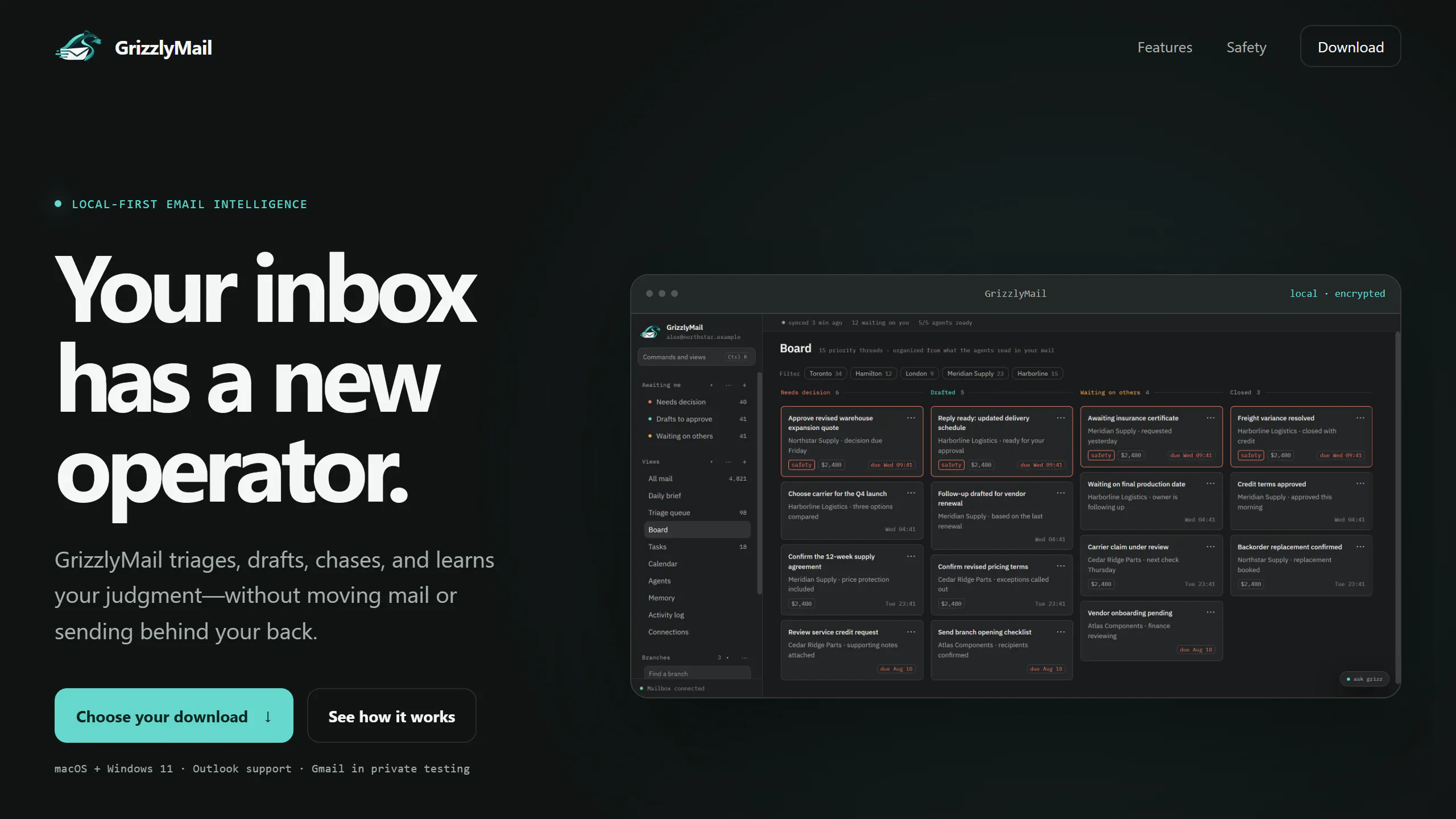
GrizzlyMail public website showing download availability and a desktop board preview.

Interface captured . The live site may have changed since.

Role
Desktop product design, full-stack engineering, and AI integration
Delivery
Desktop app + static site on VPS
Availability
Public product
Platform
macOS + Windows desktop

How it works

The system, drawn end to end.

LOCAL DESKTOP WORKSPACEMail providerEncrypted storelocal SQLiteMail + boardOptional AIselected content to providerReview + senduser decidesGRIZZLYMAIL / MAIL TO ACTION

Swipe to see the whole system

  1. Local storage first

    An encrypted local store keeps the desktop workspace close to the person using it.

  2. Make the next action clear

    Reading, drafting, and follow-up work share a focused interface instead of disappearing into an inbox.

  3. Keep AI access explicit

    Optional AI uses selected content and the configured provider; external processing is a visible product boundary.

The problem

The operating problem behind the interface.

Email work spans reading, sorting, drafting, and following up, often across several accounts. A desktop client needs to make those decisions easier while keeping local storage and external AI access understandable.

The approach

A product model designed around the decision.

GrizzlyMail brings mail into a local desktop workspace with an encrypted store and a board for tracking work. Optional AI helps with selected content through the configured provider, while sending remains a deliberate user action.

Engineering scope

The system behind the surface.

  1. Electron desktop shell with React and TypeScript interfaces
  2. Encrypted SQLite storage for the local mail workspace
  3. Mail-provider integration and optional AI-assisted workflows